


Thinking about a new website but don't know where to start? One of the first and most important steps is choosing the platform on which to build your website. There are a number of options on the market today, but in this article we'll look at two of our favourites - HubSpot CMS and Webflow.
Both are among the top solutions, but each approaches web development a little differently. Let's take a look at how they differ and when it makes sense to choose one, the other, or both.
- Webflow is great if design, visual impact, and flexibility in web development is a priority for you.
- HubSpot CMS will be appreciated when you want your website to be connected to your marketing, CRM and downstream processes - that is, when the website should not only present, but also support lead acquisition and lead generation.
Simply put: Webflow is "design-first", while HubSpot is "growth-first".
HubSpot CMS vs. Webflow - a Brief Comparison
|
Area |
Webflow |
HubSpot CMS (Content Hub) |
|
Main benefit |
Superior design and control over site appearance |
Website linked to marketing and CRM in one environment |
|
Working with the website |
Visual creation and editing, suitable for design-intensive sites |
Editing via modules and templates, often more convenient for marketing teams |
|
Blog and content management |
Yes |
Yes |
|
Forms and leads |
Yes, often with connection to external CRM |
Yes, leads are stored directly in HubSpot CRM |
|
Automation |
Rather via integrations (e.g. CRM / third party tools) |
Part of the HubSpot ecosystem (as planned) |
|
CRM |
Not part of (to be handled externally) |
Part of the platform |
|
Site speed |
Top-notch (generates very clean code, fast loading) |
Excellent (but speed can sometimes be reduced by added marketing and measurement scripts) |
|
Developer replaceability |
Easy - huge community of developers and freelancers, very easy to find a replacement |
More challenging - requires more specific knowledge (e.g. HubL language), fewer developers on the market |
|
Templates |
Huge selection of templates with high level of design that are significantly cheaper |
Smaller selection of templates, premium options tend to be more expensive |
|
Customer support |
Average - mostly handled through email tickets and community forums |
Great - very fast and proactive support (often live chat and phone depending on the plan) |
|
Cost of development |
Standard (great competition in the market keeps prices down) |
Approximately 20% higher (you pay for more specific know-how and connection to the ecosystem) |
|
Typical usage |
Brand and marketing websites, campaigns, agency workflows |
B2B websites with an emphasis on lead generation and business follow-up |
|
Pricing model (simplified) |
You mainly pay for the website (hosting + team if applicable) |
You pay for the plan and users, often as part of a wider stack |
Webflow: When Design and Flexibility is a Priority
Webflow is the ideal choice when visual impact, speed and the ability to control the site in detail is key - without the limitations typical of template solutions.
What Webflow Excels at
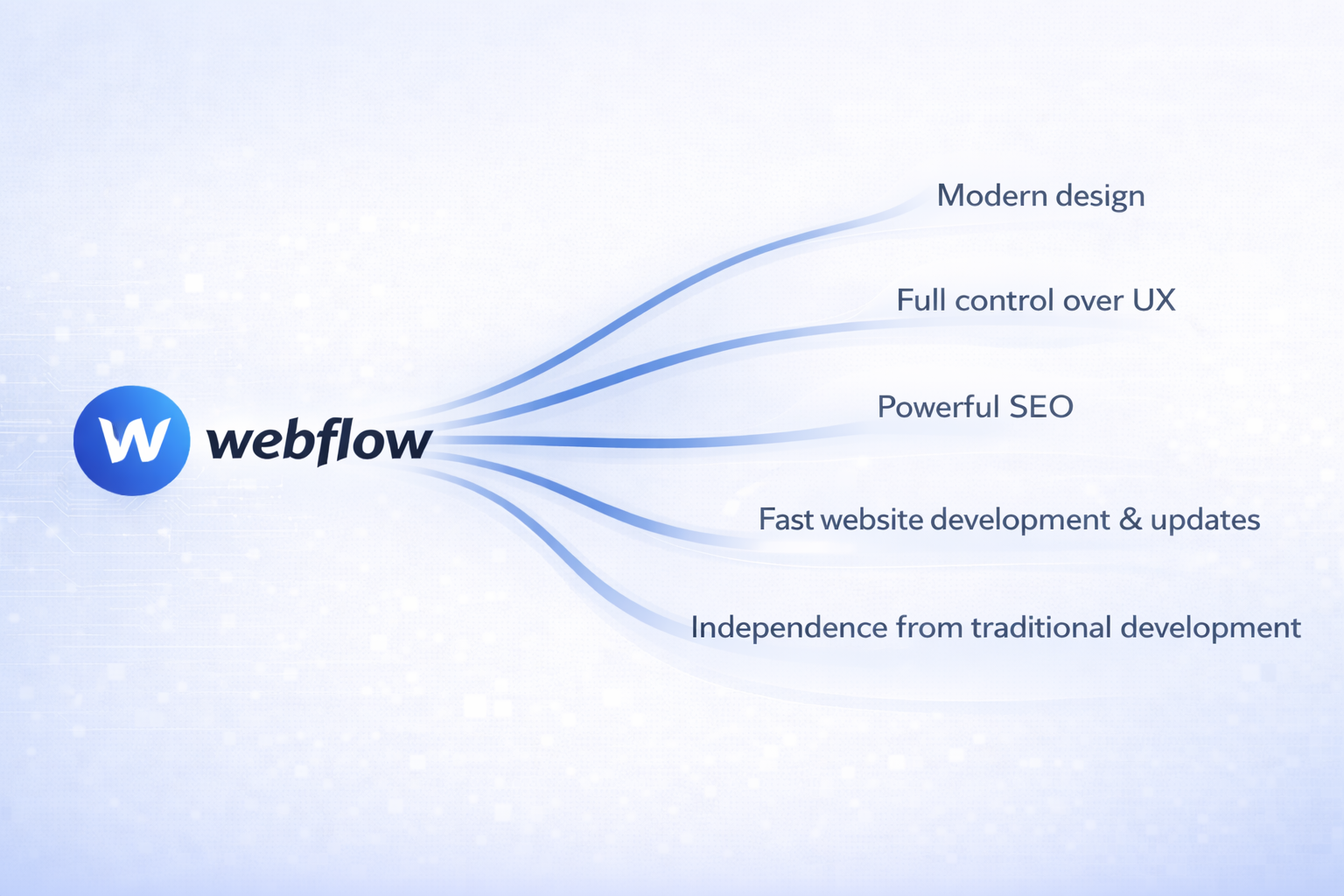
- Freedom in design - easily tweak the layout, typography, animations and small details that make the final impression of the brand.
- Quick edits - you can handle common site changes on the fly without unnecessary development intervention.
- Powerful SEO - you have control over page structure, metadata and technical elements that affect SEO.
- Great for branded sites and campaigns - if the site has to look premium.
Where Webflow Can Come Across
Webflow is primarily a web development platform. The moment you need to tightly integrate a site with CRM, automations or more complex lead work, integration with other tools usually comes into play - often just HubSpot.
Hubspot Cms: Web, Marketing and Sales Under One Roof
HubSpot CMS is suitable for companies that want the web to fit seamlessly into their processes - from first contact to the work of the sales team.
The Strengths of HubSpot CMS
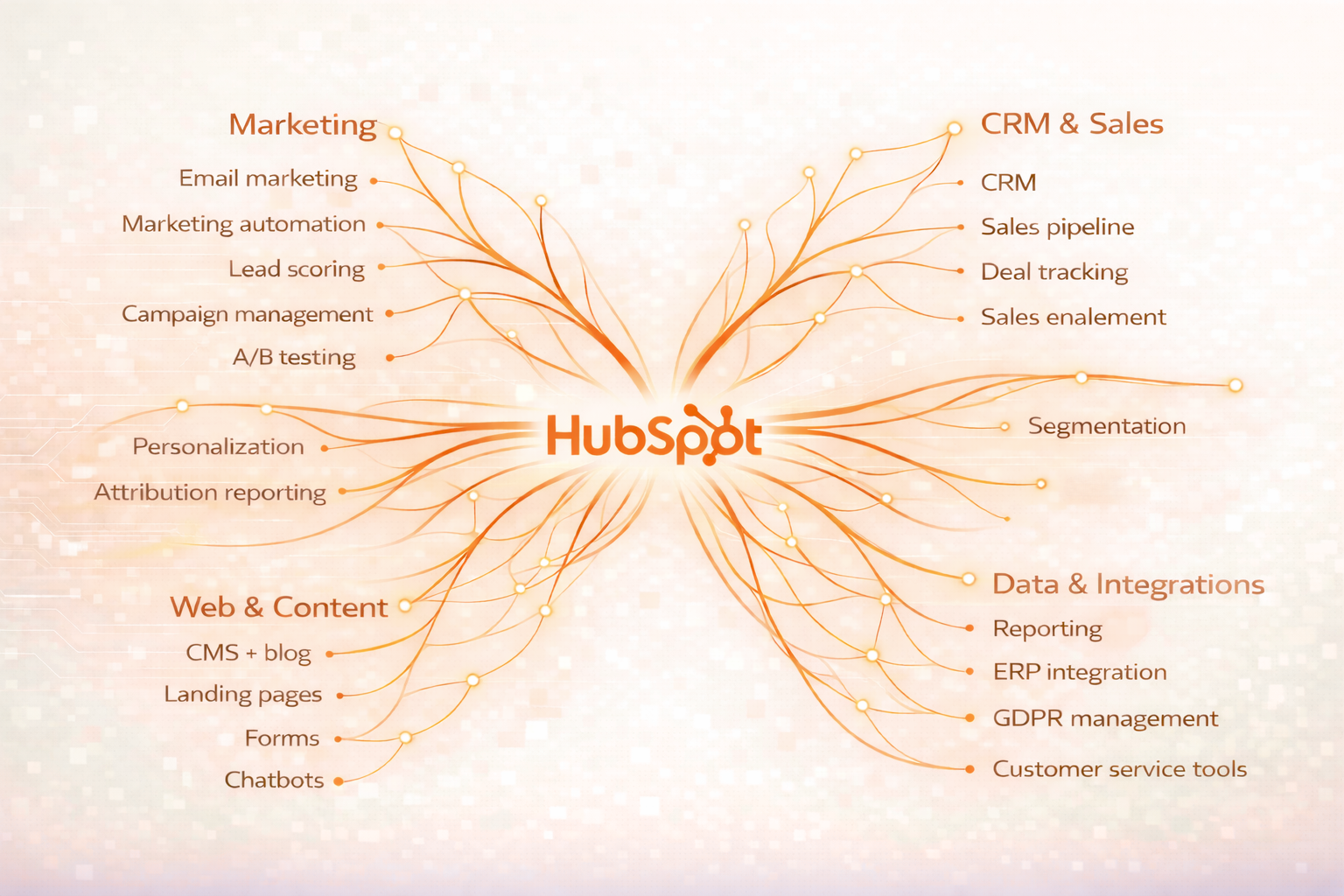
- CRM integration - Contacts, form submissions, leads collected and the entire history of user interactions are all neatly in one place.
- Marketing tools at the core - Creating landing pages, sending emails, setting up automations, and detailed reporting are all right within the platform itself.
- Advanced personalization (Smart Content) - Web content, text or calls to action can dynamically change based on who is viewing the page.
- Better connection to sales - The corporate website seamlessly connects to the sales pipeline, making it much easier to segment customers and accurately evaluate sales.
- Minimal external tools - Most key features run natively and reliably, so you don't need to intricately link and pay for additional third-party tools.
Where HubSpot CMS Can Come Up Short
- The price tends to be higher than pure web platforms.
- For more advanced customizations (templates, custom components), a specialist is often needed - and finding an experienced HubSpot developer can be more challenging.
Why Not Use Both Solutions? HubSpot + Webflow Combination
The Webflow vs. HubSpot CMS debate often comes across as a choice between the two. In practice, however, it doesn't have to be either-or. In some cases, combining both platforms - each in the role in which it is strongest - makes the most sense.
A typical scenario might look like this:
- Webflow serves as the design frontend - that is, the public part of the site that represents the brand, builds trust and collects leads.
- HubSpot acts as the backend for working with contacts - CRM, marketing automation, email communication and sales team support.
In practice, this means that Webflow provides a superior visual and user experience and data collection through forms, while HubSpot processes, segments, automates communication and delivers relevant information to marketers.
This approach works particularly well for:
- Companies that place a high value on brand and visual quality of the site,
- B2B companies with longer and more complex business cycles,
- organizations that want to combine cutting-edge design with extensive marketing and sales background.
What You Can Do on Your Own and When It Makes Sense to Contact a Specialist
Both platforms are often described as "simple to use" - and for day-to-day content management, this is indeed true. The difference is more about what you want to create on the web and what knowledge you need to do it.
What You Can Usually Do Yourself in Webflow
In Webflow, you can take care of the day-to-day editing of your site without too much trouble: edit text, replace images, add new sections, publish blog articles or prepare a simple landing page. To feel confident in the environment, you need a basic sense of design and an understanding of how the site is put together (sections, layout, responsive behaviour).
What You Can Usually Do Yourself in HubSpot CMS
In addition to editing content, you can often handle tasks in HubSpot that are directly related to marketing: creating landing pages, setting up forms, running email campaigns, and evaluating results in reports. Practically, a basic understanding of marketing and how CRM works - i.e. working with contacts, segmentation and follow-up activities - will help.
Summary: Yes, both platforms are usable without a technical background. But if you want to use their capabilities to their full potential - for example, with more complex templates, custom components, automations or integrations - it pays to have an experienced person on hand, either in-house or through an agency.
"Do you lack in-house capabilities? At FORECOM, we can take care of the complete implementation and subsequent management of Webflow or HubSpot CMS - so that the solution makes sense not only today, but also as you grow."
Pricing: How Much Webflow and HubSpot CMS Will Cost You
Price is often one of the main factors when making a decision. But with both platforms, it's important to understand that you're not just paying for the "site", but for the range of features, the number of users, and the overall ecosystem into which the site fits.
HubSpot CMS (Content Hub)
HubSpot offers a CMS as part of the Content Hub in four tiers. All paid plans automatically include premium hosting, SSL certificate, custom domain connection and complete security management.
- Free - free, very limited options
- Starter - approx. $9-25 USD per user/month
- Professional - approx. 400-500 USD/month (usually 3 users)
- Enterprise - approx. 1200-1500 USD / month
The higher the plan, the more features you get (e.g. automation or reporting). A significant advantage of HubSpot is language management - in the Pro and Enterprise plans you can natively create multiple languages (and in Enterprise, multiple independent domains) without paying extra for each additional language.
Webflow
With Webflow, pricing is divided into Site plans and Workspace plans. With the Site plan, you primarily pay for top-notch hosting for one specific site and the ability to connect your own domain.
The most common plans (billed annually):
- Basic - 14 USD / month
- CMS - 23 USD / month
- Business - 39 USD / month
What's not included in basic and extra:
- Team (Workspace): If multiple people manage the site, approximately $16-49 per user/month is added.
- Languages (Localization). It is a paid add-on that costs between $9 and $29 USD per month for each additional language (depending on the progress of translations, design customization for the language, and SEO). So for larger multilingual sites, the price of Webflow can add up quite quickly.
Conclusion
Choosing a platform is not a question of which is "better", but of what your company's website is intended to do. In some places the goal is to quickly and elegantly build a presentable website, in others the website should be tightly connected to lead generation, communication and business processes. It makes sense to choose one solution based on these priorities - or to combine them cleverly.
Don't have anyone internally to check with to see which option is best for your needs? We'd be happy to go over it with you. We implement both Webflow and HubSpot, and help clients with the selection of the right platform, architecture design, implementation and subsequent development.
If you're not sure which path is right for you, schedule a free, no-obligation consultation with us - together we'll go over your goals and recommend a specific next step.





.png)